Version 1.3.14
Multiple new features went live with version 1.3.14.
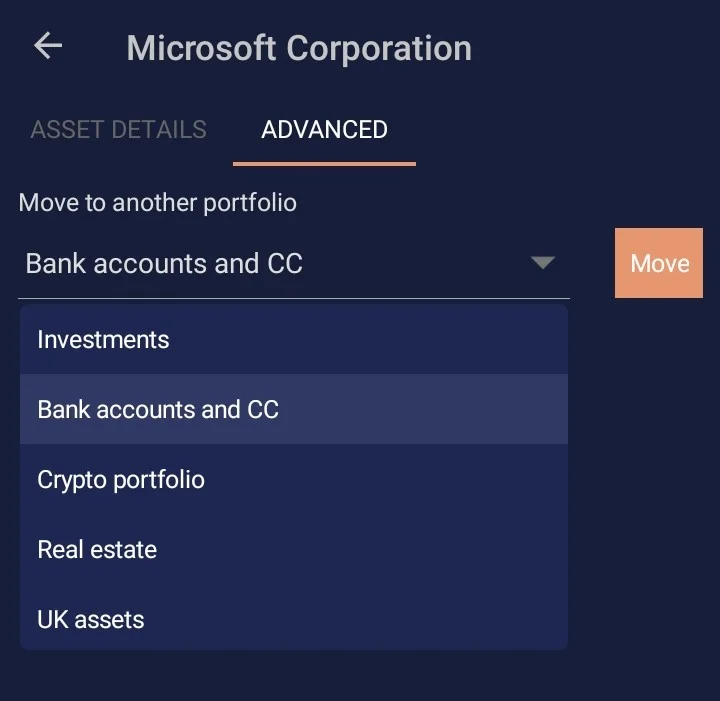
Move to portfolio
Previously, if you wanted to move an asset from one portfolio to another, you had to delete it and recreate it. That meant losing the history attached to the asset, which was far from ideal.
This release introduced a proper way to move an asset to another portfolio. The option is available from the asset page under the Advanced tab.
Easier asset creation from the home screen
Adding a new asset used to require navigating into a portfolio first and then using the add button there.
Now you can start the process directly from the Dashboard page and choose whether you want to create a new asset or a new portfolio.
Better support for large font sizes
We also improved accessibility for users who run high zoom settings or larger system font sizes on their phones. Text on the dashboard and other pages is now less likely to get cropped, which makes the app more reliable and readable across a wider range of accessibility settings.