
Apple Watch and Garmin

Your net worth on your wrist

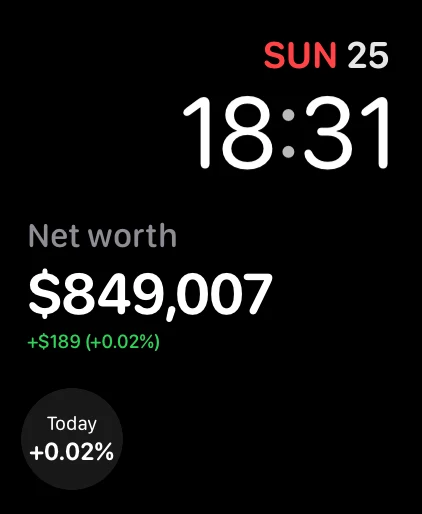
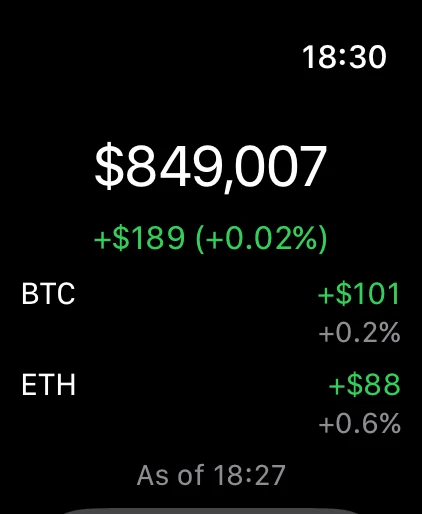
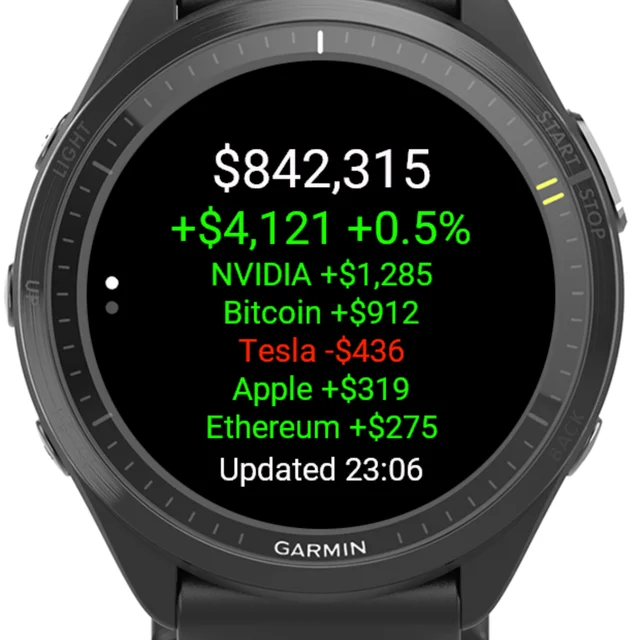
Your net worth and today’s change on your Apple Watch face or in your Garmin glances, and your biggest movers when you open the app. It works with any TrackMyStack account.

Setup

Connect your watch

You need a TrackMyStack account. An Apple Watch connects through your iPhone; a Garmin pairs with a code you enter in the app.

Apple Watch

watchOS 11 or later, with TrackMyStack on the iPhone it is paired with.

  1. Install TrackMyStack on your iPhone from the App Store and sign in, or update it if you already have it.
  2. If the app is not on your watch yet, open the Watch app on your iPhone and install TrackMyStack under Available Apps.
  3. Open TrackMyStack on your iPhone. The watch picks up your account from it, with no code to enter.
  4. To see your net worth on a watch face, touch and hold the face, tap Edit, and choose TrackMyStack for a complication. It is in the Smart Stack too.

Garmin

The Forerunner, fēnix, epix, Venu and vívoactive watches listed below, connected to the Garmin Connect app on your phone.

  1. Install TrackMyStack from the Connect IQ Store, in the Connect IQ app on your phone or on the store’s website.
  2. Open TrackMyStack on your watch. It shows an eight-character code, valid for ten minutes.
  3. In TrackMyStack on your phone or on the web, open Account → Connected apps → Watches, select Pair a watch and enter the code.
  4. Your net worth appears on the watch within a few seconds. Scroll to it in your glances, and select it for your biggest movers.

Need a hand?

If your watch does not connect, email [email protected] and tell us which watch you have.